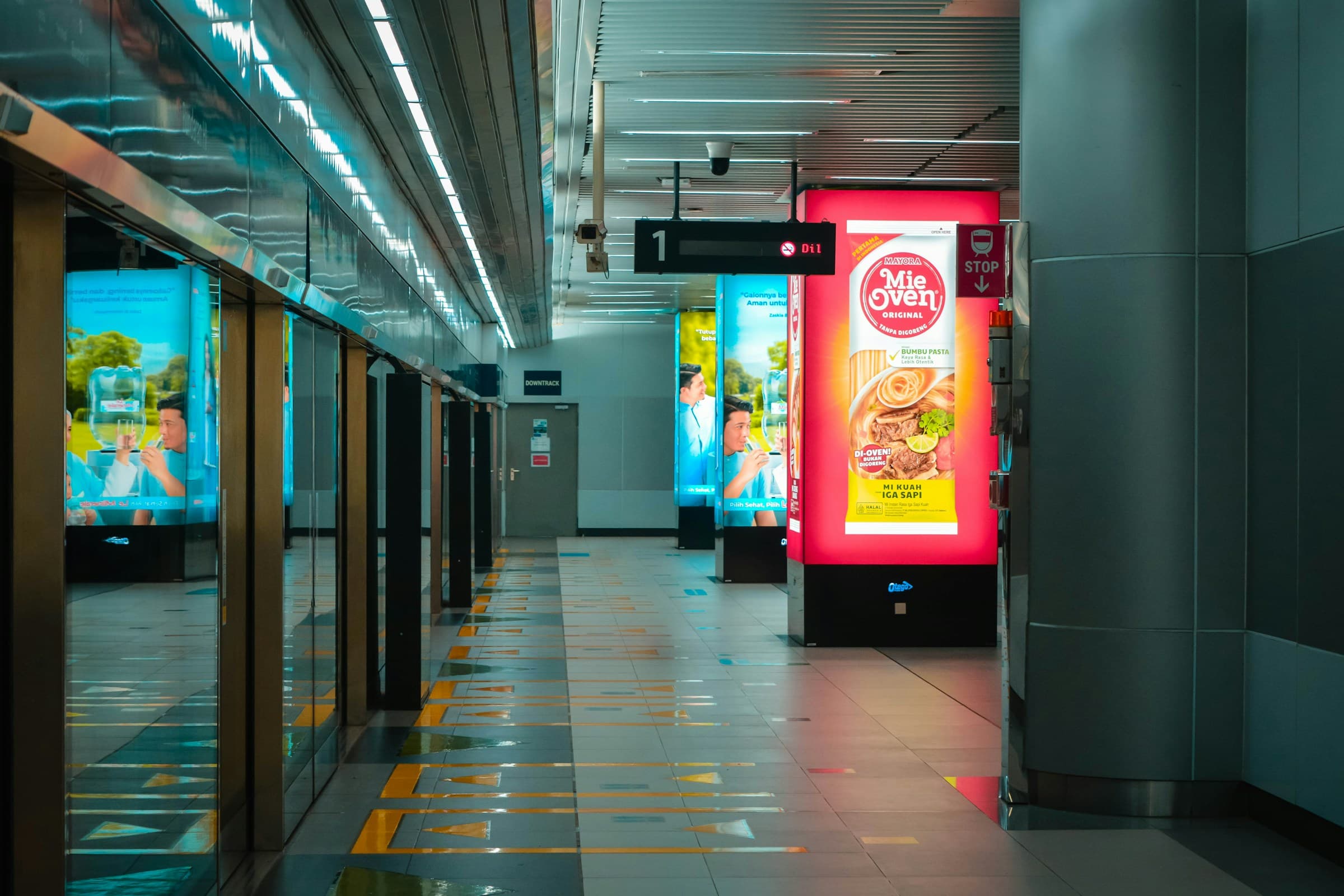
Digital signage is a system for publishing images, video, menus, prices and information on one or more digital screens. Unlike a standalone monitor, it lets teams schedule and update content centrally, even when displays are located across different sites.
This guide explains how digital signage works, the components it requires and what to consider when choosing software in 2026.
What is digital signage?
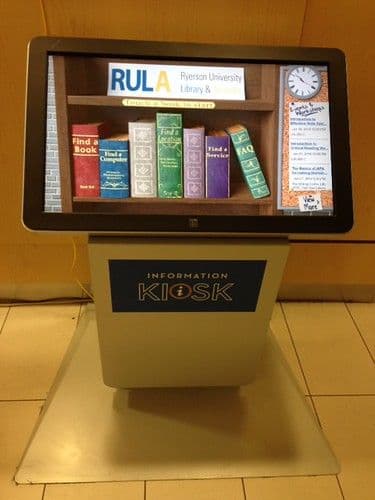
Digital signage combines the technologies used to distribute visual content across monitors, video walls, kiosks and interactive screens. It can present information, promotions, digital menus, price lists, service notices and contextual content.
Its main difference from simple USB playback is central management: content, schedules and devices can be controlled without visiting every screen.
How does digital signage work?
A complete system connects three elements: management software, a player and a display. Teams upload content and decide where and when it should appear. The player receives the schedule and renders it on its assigned screen.
- Images, videos, web pages or data are uploaded to the platform.
- Content is arranged into playlists and schedules.
- The schedule is assigned to a screen, group or location.
- The player synchronizes and displays the files at the chosen times.
- The dashboard reports device status and potential issues.
Displays, players and software
Digital signage displays
Professional displays are designed for extended operation, higher brightness and portrait or landscape installation. The right choice depends on the environment, viewing distance, operating hours and direct light.
Digital signage players
The player connects the software to the screen. It may be external or built into the display. A reliable player should keep showing synchronized content during temporary connectivity loss.
Digital signage software
The software manages media, playlists, calendars, users and devices. Platforms for larger networks organize screens by location, department or purpose and assign different permissions to team members.
Cloud or on-premise digital signage
A cloud platform is available through a browser and makes distributed locations easier to manage. Publishing, updates and monitoring happen in one environment. On-premise deployment may be required by specific infrastructure or organizational constraints.
The decision should account for connectivity, security, operational ownership, update frequency and device count.
Managing multiple screens and locations
Central management is especially useful when content must reach several stores. A network-wide schedule can coexist with local campaigns, department messages and time-based variations.
A strong platform shows which devices are online, what they are displaying and when they last synchronized.
Digital signage examples
- Retail: campaigns, promotions, storefronts and brand communication.
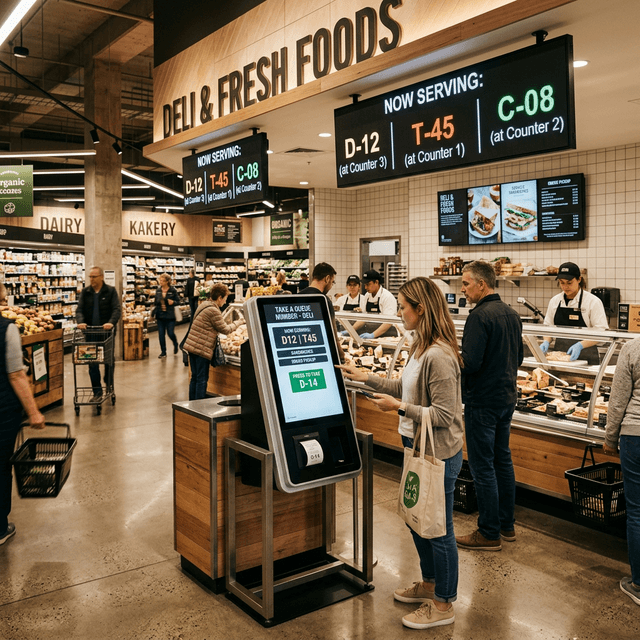
- Supermarkets: offers, department content, pricing and service information.
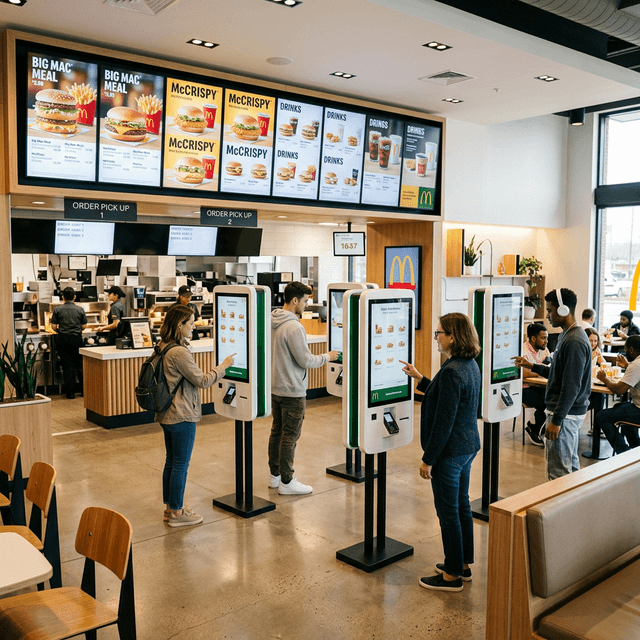
- Restaurants: digital menu boards, availability and daypart messaging.
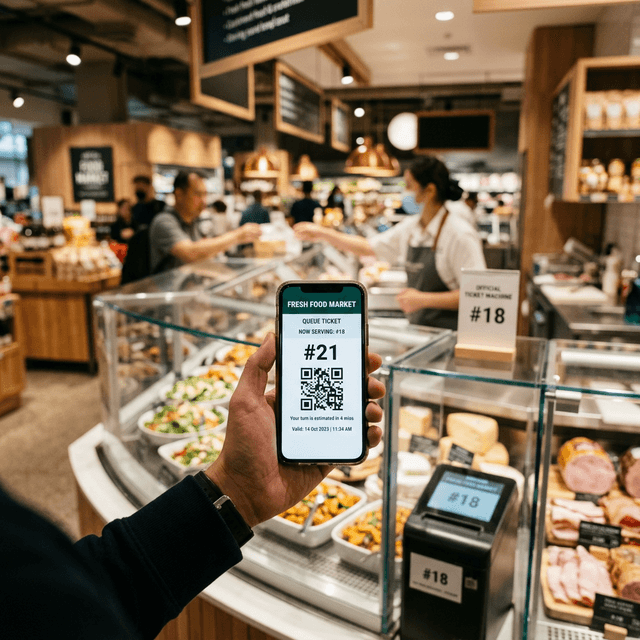
- Public spaces: wayfinding, notices and customer calling.
- Multi-site networks: central content combined with local communication.
Free, open-source or professional software
Free or open-source software may suit experiments and very small installations. Before adopting it, teams should consider maintenance, security updates, support, remote monitoring and operational continuity.
A professional platform is more appropriate when screens support business operations, involve multiple users or must remain manageable across many sites.
How much does digital signage cost?
Cost depends on the number and type of displays, players, software licences, installation and integrations. Brightness, format, continuous operation, support and content production also affect the total.
When comparing systems, consider total cost over time rather than hardware price alone.
How to choose a digital signage solution
Start by defining goals, locations, content types and team responsibilities. A practical trial should test publishing speed, player stability, remote control and behaviour during connectivity loss.
- Does it support the required displays and formats?
- Can content be scheduled by location, screen, day and time?
- Does synchronized content keep working offline?
- Does the dashboard expose status, logs and last synchronization?
- Can roles and permissions be separated?
- Can it integrate with menus, pricing or business data?
Digital signage with Quiwe
Quiwe centralizes content, schedules and devices across one or more locations. The same platform can coordinate digital signage, digital menus, price lists and interactive services while maintaining operational control over screens and sites.
Explore Quiwe digital signage or request a demo to discuss the right setup for your network.
Frequently asked questions
What does digital signage mean?
It means informational or promotional content distributed to screens through a software-based system.
Does it require a permanent internet connection?
It depends on the platform. Systems that synchronize content locally can continue playback during temporary connectivity loss.
What is the difference between a display and a player?
The display presents the content; the player receives the schedule from the software and controls playback.
Can screens in different locations be managed together?
Yes. This is one of the main advantages of cloud digital signage and central management.