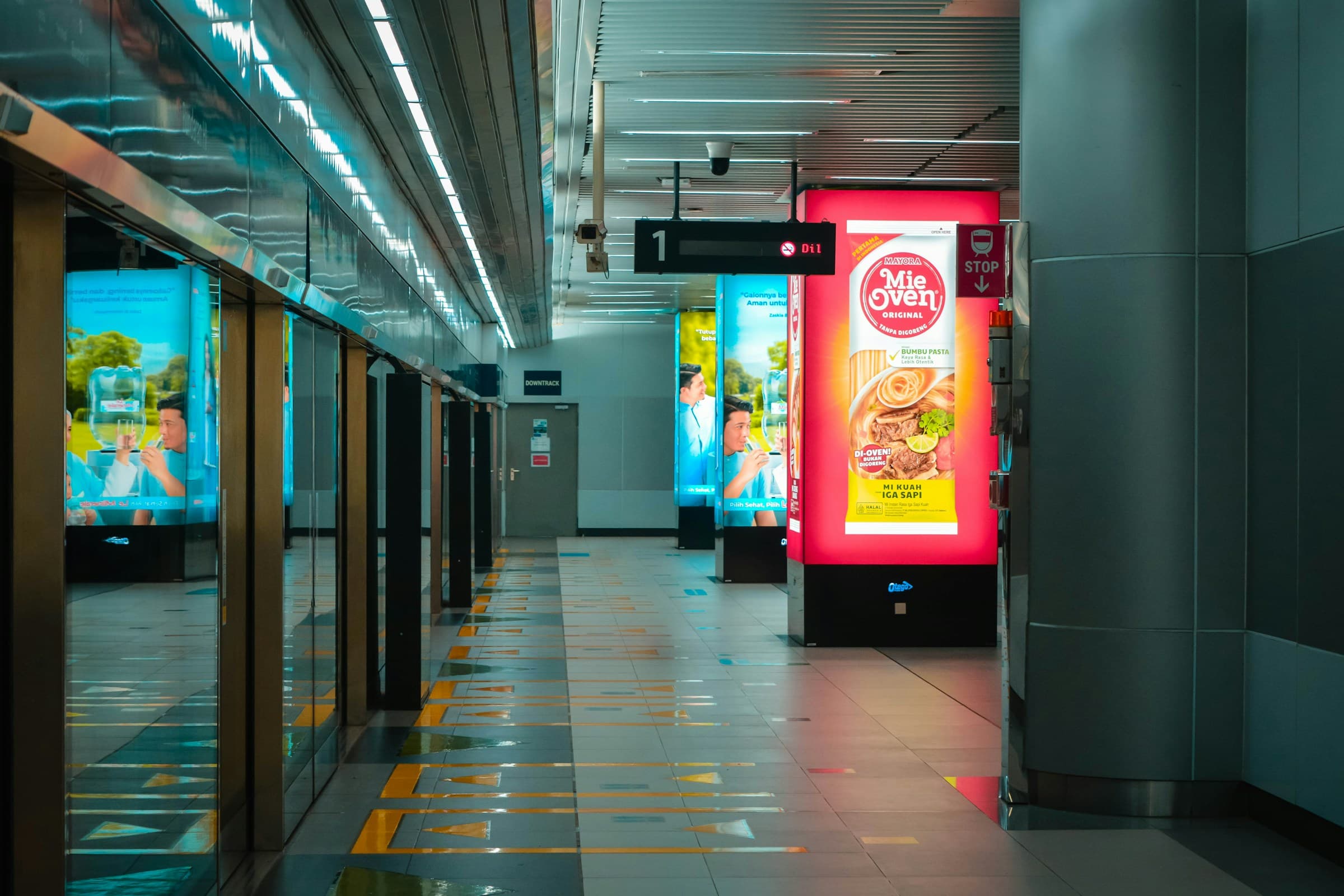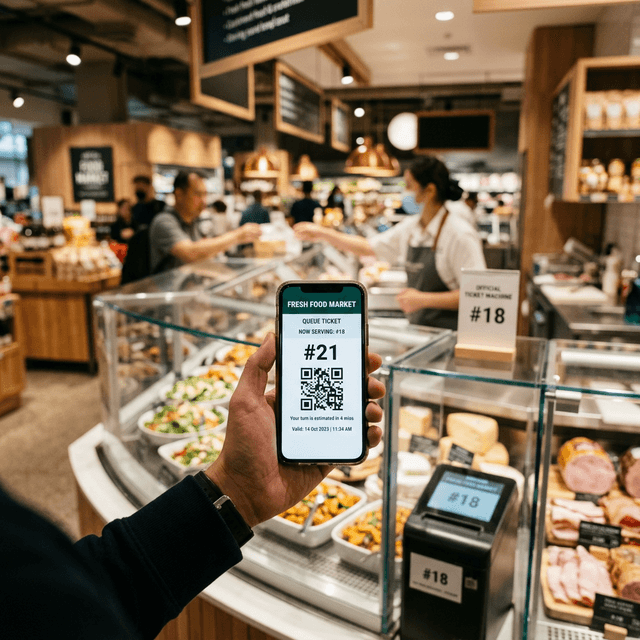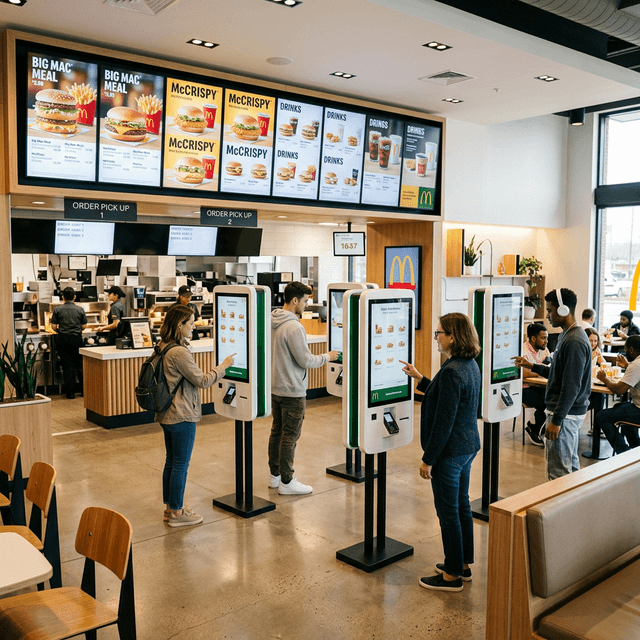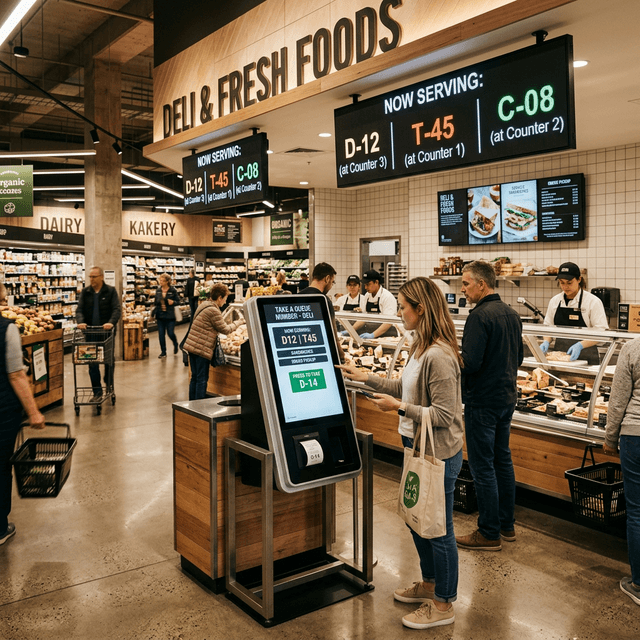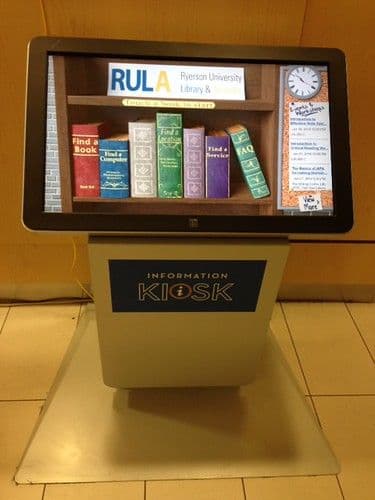
A self-service kiosk is an interactive terminal that lets a person complete a task without continuous staff assistance: browse a catalogue, place an order, pay, check in or obtain a ticket.
“Kiosk” covers many different systems. A sound choice must consider the interface, software, physical components, integrations and the work that remains with staff.
What is a self-service kiosk?
It combines a touchscreen, an application and optional peripherals such as a payment terminal, printer, scanner or NFC reader. The kiosk guides the user through a defined process and sends the result to business systems.
How does a self-service kiosk work?
- The user chooses a service.
- The interface collects selections and required details.
- The software validates availability, rules and prices.
- Payment is completed when required.
- The transaction reaches the POS, kitchen, ERP or queue system.
- The kiosk displays or prints a confirmation, order number or ticket.
The journey must remain clear to first-time users. Short copy, recognizable controls, immediate feedback and easy error correction matter more than feature count.
Kiosk hardware
- Touchscreen: sized and bright enough for its environment.
- Payment terminal: supporting the required payment methods.
- Printer: for receipts, tickets or order numbers.
- Scanner: for barcodes, QR codes or coupons.
- Audio and indicators: where the service requires them.
Kiosk software and kiosk mode
Software must manage configuration, content, devices, updates and diagnostics. In multi-site networks, teams should be able to distribute different menus, prices and journeys by location.
Operating-system kiosk mode restricts unauthorized functions, but it does not replace the operational application. A complete deployment needs both.
Ordering kiosks for restaurants
In quick-service restaurants, kiosks can present categories, products, modifiers, allergens and availability. Their value comes from alignment with menus, pricing, POS, kitchen and pickup—not from the screen alone.
The journey should handle unavailable items, changes, cancellations, receipts and requests for help.
Other interactive kiosk examples
- check-in and reception;
- queue ticket issuance;
- catalogue and inventory lookup;
- visitor registration;
- information and wayfinding;
- order collection and management.
Required integrations
Check integrations with POS, payments, ERP, menus, inventory, kitchen and queue systems. Establish which system owns pricing, product and availability data.
The kiosk should handle temporary connectivity loss, restarts and unavailable peripherals. Its dashboard should expose device status, last connection and actionable faults.
Accessibility and usability
A public kiosk should support people with different abilities, height and digital experience. Control reach, contrast, text size, navigation order, session timing and alternatives to exclusively visual or touch interaction should be considered from the start. Applicable requirements depend on the service, sector and market.
How much does a self-service kiosk cost?
Cost includes enclosure, display, computer, peripherals, payment hardware, software, integrations, installation and support. Interface customization, site count and maintenance also matter. Compare total cost over time, including licences, connectivity, consumables, spare parts and updates.
How to choose a kiosk
- Define the exact user task.
- Measure space, light, traffic and accessibility.
- List systems and peripherals to integrate.
- Prototype and test with real users.
- Plan monitoring, support and exception handling.
- Run a pilot before scaling.
Self-service kiosks with Quiwe
Quiwe supports configurable ordering interfaces and centralized kiosk and device management across one or more locations.
Request a demo for your use case.
Frequently asked questions
What is the difference between a kiosk and a totem?
The terms are often interchangeable. “Totem” usually describes the physical enclosure; “kiosk” can describe the complete hardware and software system.
Can a kiosk work offline?
It depends on its workflow. Some functions can continue locally, while payments and real-time checks may require connectivity.
Can menus and prices be updated remotely?
Yes, when software centralizes configuration and receives data from the appropriate source systems.